Oct 17, 2026Business Solutions
Charging Heat: Where the Case Fits In
A phone warms while it charges, and a case changes how that heat feels. A buyer's judgment line: what is normal, what to test, and what to ask.
A phone warms while it charges, and an iPhone is no exception. The case does not create that heat, but it sits between the phone and your hand. Its build decides how much warmth you feel and how quickly the back sheds it. iFunSmart gets asked where that line sits.
Last updated: October 17, 2026.
Whose Heat Is It?
Heat during a charge starts inside the phone. The battery and the charging coil do the work, and the warmth follows. A case has no power path and no heat source of its own. When a cased phone feels warm in your hand, the warmth came from the phone first.
What the case changes is the route out. A dense back panel holds heat near the surface, where a hand notices it. A thin or open build lets warmth pass through sooner and lets the air take it away. Neither behavior tells you the phone itself is running hotter. A hand is a useful comparator and a poor thermometer. The difference between two builds matters more than the feel of either alone.
A heat judgment line is the point at which ordinary charging warmth becomes a signal to stop and check the setup. The line moves with the phone, the charger, and the surface the phone sits on. It is the only line a buyer can apply without instruments.
What a Case Can and Cannot Do
A case is not a heatsink. It cannot pull heat out of a phone, and it cannot make a charge run cooler. What it can do is insulate, and the amount depends on the material, the layers, and the air between them. A single hard back behaves differently from a shell with a liner, a frame, and a kickstand hinge stacked behind it.
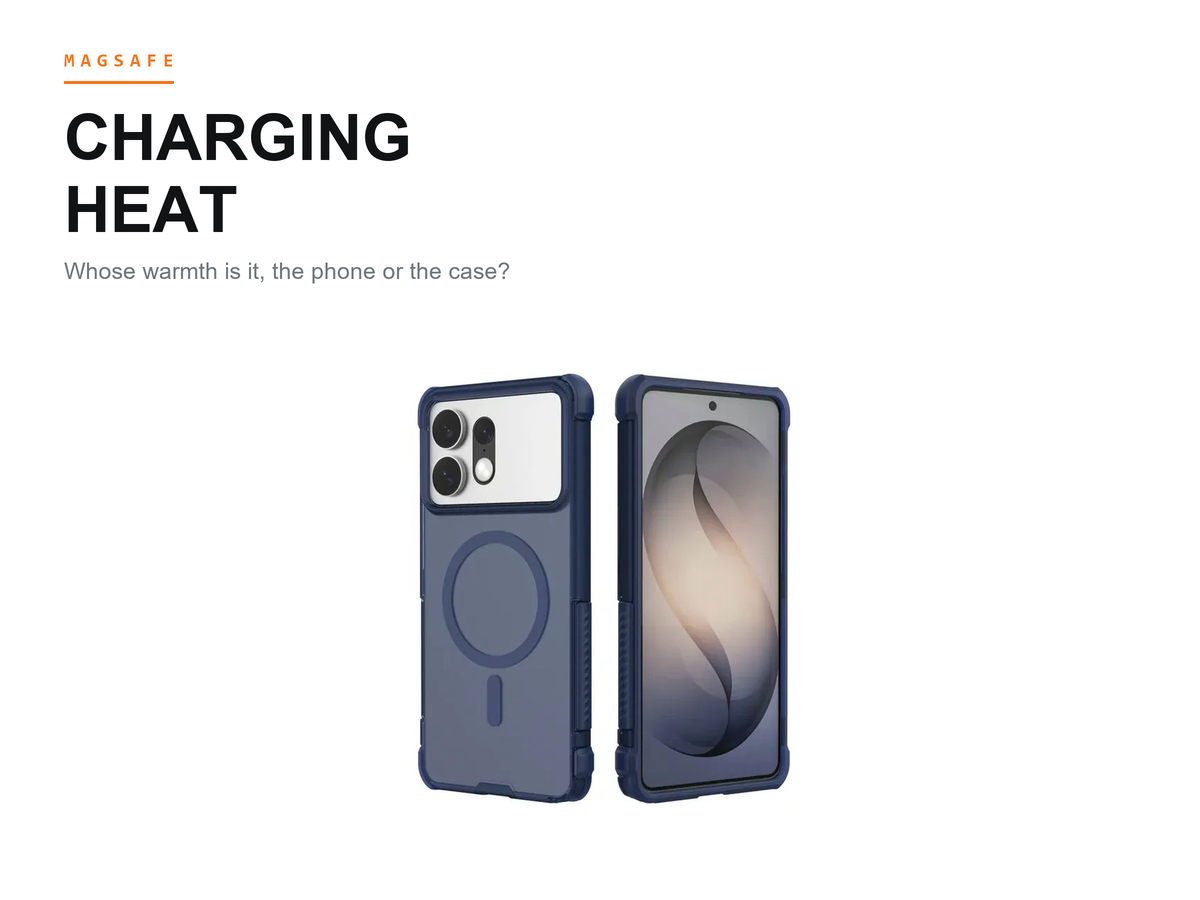
That difference shows up in the hand, not on a spec sheet. Between them sit our a clear MagSafe build with its back close to one layer, and an armored MagSafe build with a heavier shell and frame. Each suits a different shelf, and neither is sold as a cooling product.
A case can also interrupt the charging link if it puts too much distance between the coils or holds the phone off center. That is a fit question, though the two meet in the hand: a link that works less cleanly can leave a phone working harder and feeling warmer. The charge-speed and alignment checks are their own conversation. This one stays on what the hand can tell.
We do not publish temperature measurements for our builds, because a reading depends on the phone, the charger, the surface, and the room.
When Warmth Becomes a Signal
Ordinary warmth during a charge is expected. The patterns worth checking are more specific.
Watch for a case back that feels distinctly warm during wireless charging, across the panel. If that back stays warm after the charge ends and the phone body has cooled, the case is holding heat at the surface. Insulation is working against comfort here.
A charge that slows or stops with no visible cause is a second signal. Phone makers build thermal protection into their devices, and their guidance describes a slowdown or pause as a designed response to a warm battery. Treat that response as a message rather than a malfunction. Lift the phone, remove the case, and let both settle before you try again.
A hot patch rather than even warmth is less common and easier to miss. Heat concentrated near one edge, a corner, or the camera frame can point to a coil that is not sitting square, a card left between phone and pad, or an accessory that adds material in the wrong place. A patch like that deserves a look before it becomes a return.
A Three-Step Check Buyers Can Run
Start with one pad and one phone. Charge the bare phone and note how the back feels, then seat the same phone in the case and charge it again on the same pad. Compare the two in the same spot. You are not measuring; you are learning the gap between the two states.
Removing the case mid-charge gives you the second reading. Touch the phone body. If the body is much cooler than the case back was, the case is trapping warmth near the surface. If the body is warm too, the heat is coming from the phone's own work, and the case is not the source. That comparison settles most arguments about whose heat it is.
The third reading comes from a second build. A thinner case on the same pad should feel different if insulation is the variable. If the warmth barely changes between builds, look at the charger, the alignment, and the surface under the phone instead. Ask each supplier what sits behind the coil area before you compare how two samples feel.
What to Ask a Supplier
The useful questions are about construction, not adjectives. Which material sits behind the coil area, and how many layers does it include? Does the build add a metal plate, a card slot, or a hinge behind the ring? Each of those changes the path heat takes. It is also fair to ask whether the supplier runs a wireless charging check on samples, and on which class of charger.
Then ask how they describe warm and hot in their own inspection language. A supplier who answers with a construction detail is easier to work with than one who answers with a promise. We describe the build behind the coil area for each SKU in writing, and we keep temperature claims out of our materials.
Buyers who ask for a magnetic ring often ask about wireless charging compatibility in the same conversation. The two belong together, and the answers should come from one construction description rather than two assurances.
Common Questions From Buyers
Why does my phone feel hotter in a case while charging?
The case changes how much warmth reaches your hand and how long it stays at the surface. A dense back holds heat near the skin; a thin back releases it sooner. What your hand reports is the surface, not the phone's internal temperature. If the gap feels large, check the fit too; a case that holds the phone off the coil can make the charging link work less cleanly. That check belongs in your sampling round, not after the container lands.
Does a thicker case make a phone run hotter?
Not in a simple way. Thickness changes where heat goes and how it feels, and a dense build keeps warmth near the surface longer. A thick build can also add distance between the coils, which affects how cleanly the charge couples. The outcome depends on the phone, the charger, and the surface, so a blanket answer would mislead you. Compare the builds you plan to stock on the chargers your market uses.
Can a case reduce charging heat?
No. A case cannot lower the heat a phone produces while charging, and we do not claim ours does. What a well-matched build can do is avoid adding an obstruction of its own. That is a modest claim a buyer can verify with a hand, a pad, and a few minutes.
What to Do Next
Put the judgment line into your sampling notes. For each build, record how the back feels next to a bare phone, whether the warmth is even or localized, and whether the charge holds steady on the pads your customers use. Then take the notes to your supplier and ask for the construction behind the coil area. The build that feels right in your hand and survives the charger is the one worth reordering.
Send iFunSmart the models you plan to stock and the chargers your buyers use, and we will confirm the build behind the coil area for each candidate.
Apple and iPhone are trademarks of Apple Inc. iFunSmart is an independent manufacturer of phone cases and accessories and is not affiliated with, authorized, sponsored, or endorsed by Apple.